Beta Red Alert 3
In 2008, EA organised a multiplayer beta session for the game Command & Conquer: Red Alert 3.
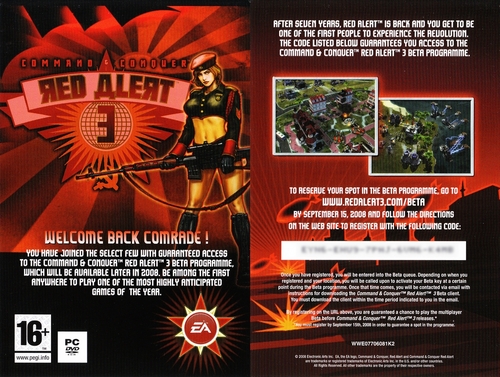
To take part in the beta, EA included a flyer with a registration code in every box of the Command & Conquer 3 expansion pack, titled Kane’s Wrath. This code allowed players to join the waiting list to receive an access key to download the beta from Fileplanet.com. Paying members of that site also had access to the beta.
The beta allowed players to test Red Alert 3 and help fix bugs. CnCSaga.com and its community played an active role in this beta by setting up a dedicated sub-forum and reporting various bugs and issues.
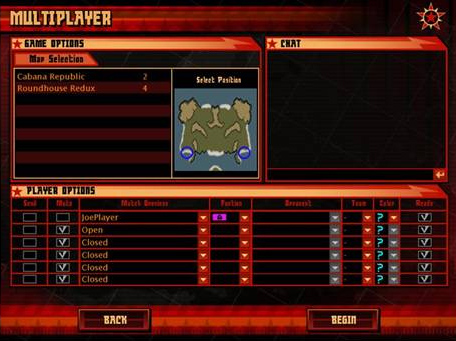
When the beta was released, two maps were available: Cabana Republic (1v1) and Roundhouse Redux (2v2). Later, the developers at EALA provided two new maps: Rock Ridge (2v2) and Temple Prime (1v1).

Email announcing the start of the beta:
Thanks to my VIP access, I’m able to give you some details about the Red Alert 3 beta.
If you are receiving this email, it means you have been added to my special VIP Community List for the Red Alert 3 Beta Test and should be receiving your Activation Key TODAY (Saturday), assuming everything goes to plan on our end. Today we are aiming to open the Beta Test to our first 2,000 registered Kane’s Wrath users… AND our community leaders. So, as things stand, YOU will be amongst the first to play in our online, worldwide multiplayer Beta Test for Red Alert 3.
Once you’ve been activated for the beta, you’ll receive a second email containing all the information you need to download the programme, play online and report any bugs (I’d like to remind you that Saga has set up a forum where you can report bugs in French).
HERE IS THE STRUCTURE OF THE EMAIL

If you encounter any problems, please let us know by posting your issue on the official beta forum. We cannot promise an individual reply, but our team of community managers will be monitoring the forum very regularly.

OK, let’s go! Your personal beta key is:

Do not share this key with anyone! This key can only be linked to a single online account. Keep it in a safe place; we may ask you for it several times.

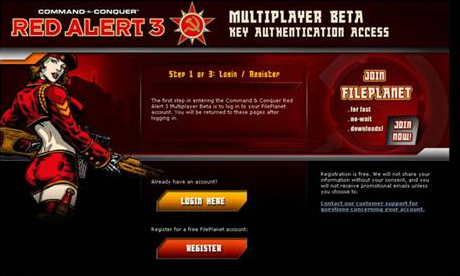
If you have a FilePlanet account, log in; otherwise, create a free FilePlanet account and then return to this page to log in.
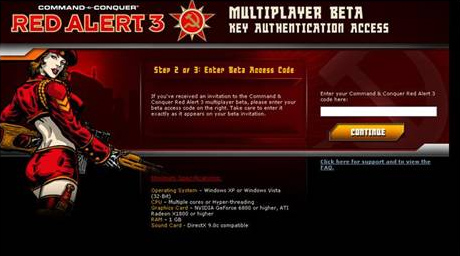
Enter your beta key, which was provided in your activation email.
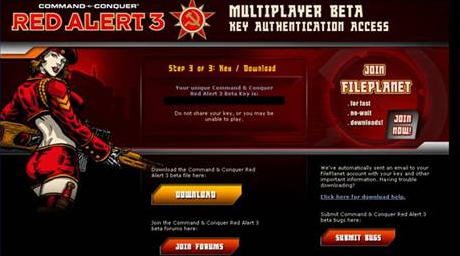
Click the “Download” button...
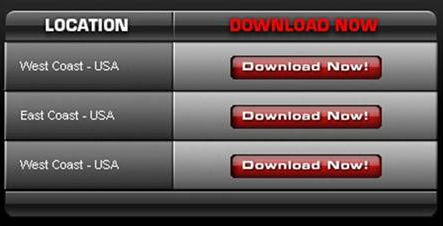
Select a server, download the Red Alert 3Beta2.exe programme to your computer and then install it by entering your beta key.
For your information, the file is 754.2 MB

Once the game has launched, click on “Versus” and then on “Online”.
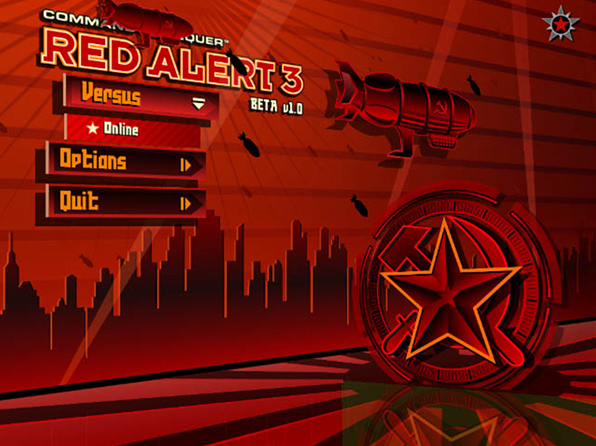

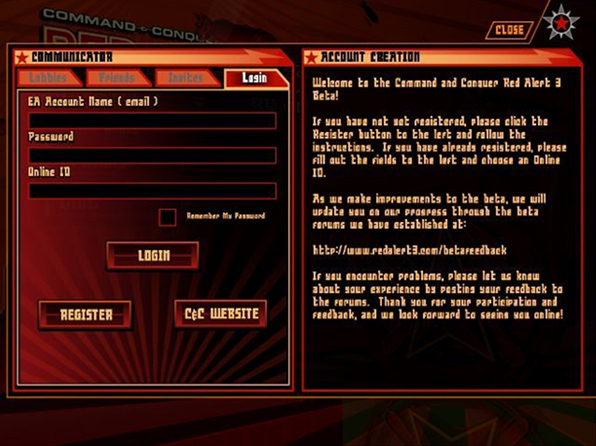
To play the beta, you must have an EA account; if you have an account, enter your username, password and the alias you wish to use for the beta. If you do not have an EA account, click on “Register”.
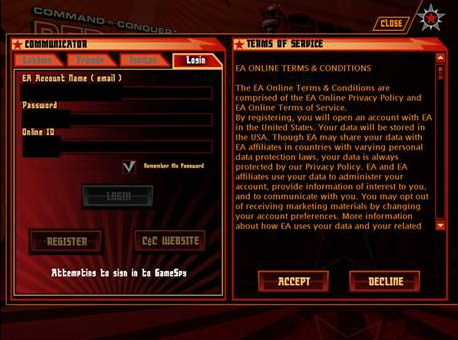
Read the terms and conditions, then accept them.

Once you’ve logged in, you’ll be taken to the “Community Lobby Screen”
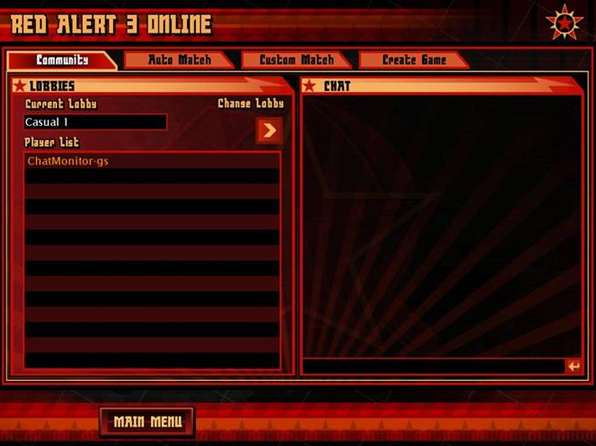
Here you can move between rooms and chat with other players.
Click on “Custom Match” to view the matches that have been created.
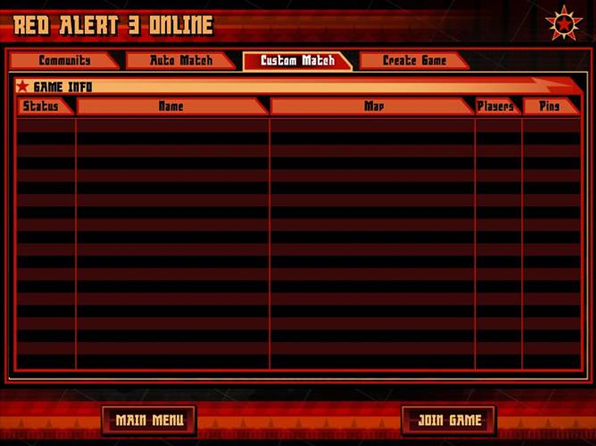
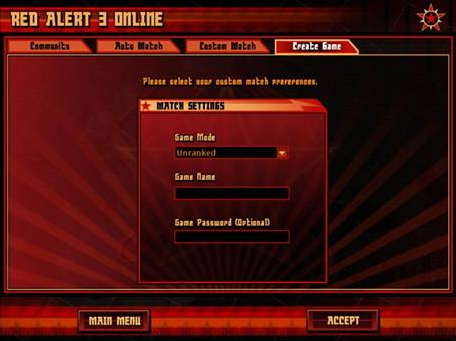
You can also click on “Create Game” to create your own match.
Enter a game name and a password if you wish. Leave the “unranked” option selected, as the beta does not support “ranked” mode.
Choose the map, your faction, your colour and your starting point. Once all players have clicked “ready”, you can click “Begin”.
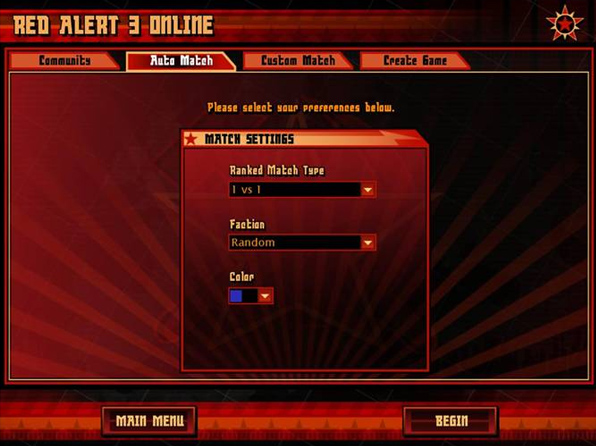
Alternatively, you can choose auto-match by selecting your faction, your colour and whether you want to play 1v1 or 2v2.

The red star in the top right-hand corner takes you to the CommLink, where you can manage your friends, chat privately, etc...